


Search Here
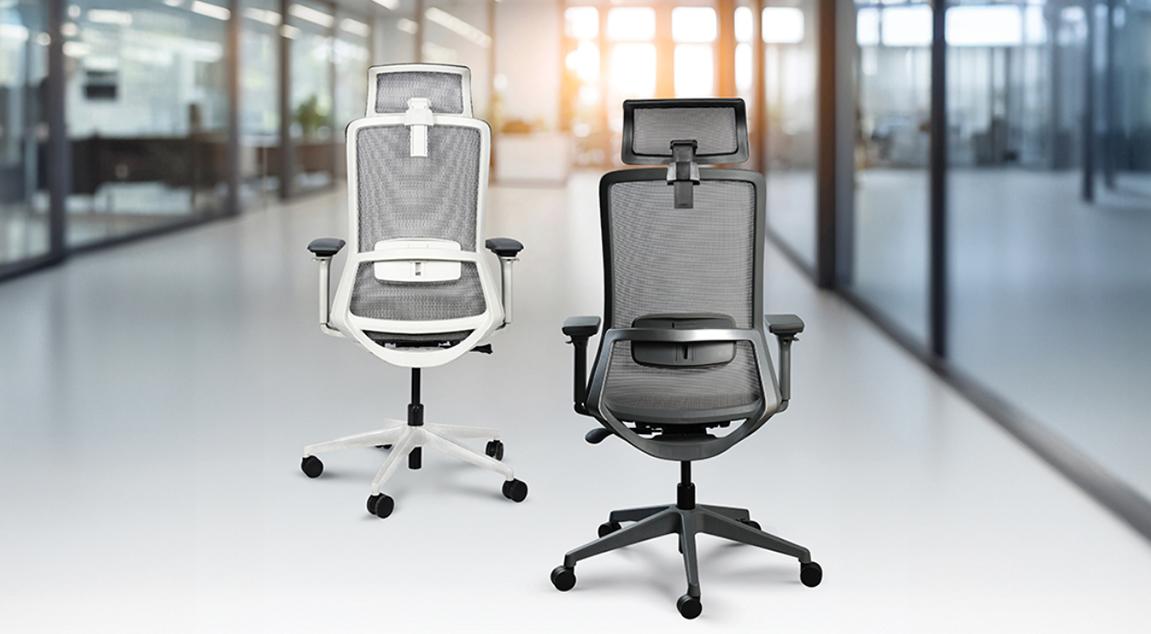
Spending eight hours daily at a desk can lead to chronic back pain, neck strain, and reduced productivity. Studies show that 80% of office workers suffer from musculoskeletal disorders, with improper seating being a primary contributor. Finding the right ergonomic chair requires understanding how different features support unique body types and work habits.
This guide breaks down essential measurements, critical adjustability features, and practical evaluation methods to help select a chair that prevents injury and enhances comfort throughout the workday.
Before exploring chair features, it's important to understand the body's specific dimensions. Standard height-based recommendations often fail because body proportions vary significantly among individuals.
Start by measuring the popliteal height—the distance from the floor to the back of the knee while seated. This determines an ideal seat height range. Next, measure the buttock-to-popliteal length for proper seat depth. Research shows that one-third of people have at least one body dimension outside standard percentile ranges, even when their overall height appears average.
The elbow height when seated determines armrest positioning, while the lower back curve location guides lumbar support placement. Take these measurements while wearing typical work clothing and shoes for accuracy.
Relying solely on height for chair selection creates problems. Someone tall with shorter legs needs different specifications than someone of equal height with longer legs. The optimal seat height equals approximately one-quarter of body height, but this serves only as a starting point.
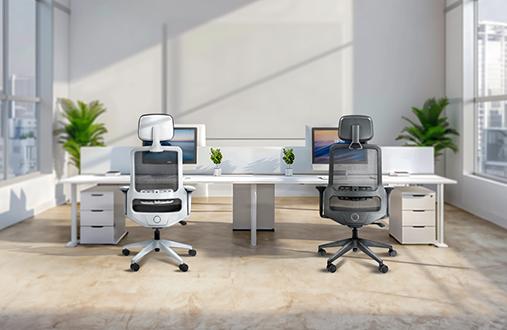
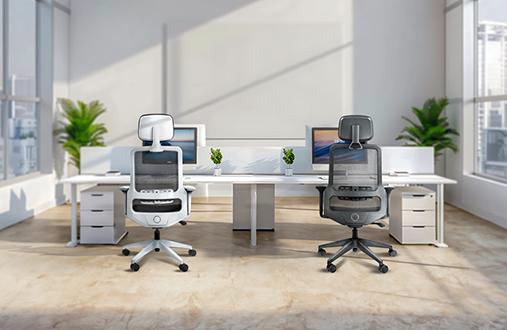
Consider torso length when evaluating backrest height. Taller individuals often need extended backrests or headrests, while those with shorter torsos may find standard backs sufficient. The shoulder width affects armrest spacing requirements—narrow shoulders need closer armrests for proper support. The Wipro Immerse Office chair shines in this regard, as it comes in three variants – mid-back, mid-back XL and high-back – which can help taller and shorter individuals stay comfortable at all times.
Quality ergonomic chairs provide multiple adjustment mechanisms to accommodate diverse body types and work styles. Understanding which features matter most helps prioritise during selection.
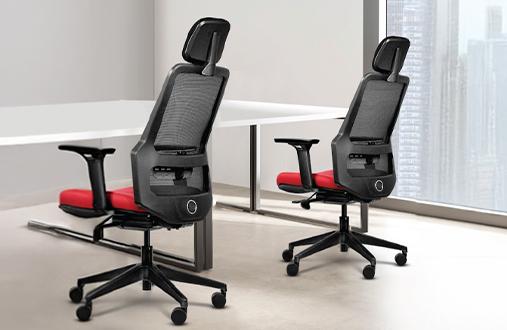
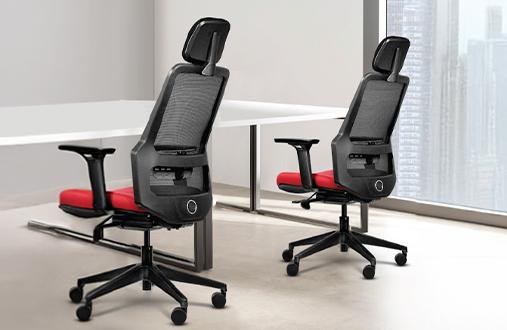
Effective lumbar support maintains the spine's natural S-curve during extended sitting. According to ergonomic research, disc pressure increases by 50% when sitting compared to standing, making proper support critical. Look for chairs offering height adjustment in the lumbar mechanism, like the Wipro Absolute chair, featuring an Automatic Weight Sensing Mechanism and other adjustable options like the 4D armrests and seat slide function.
The support should contact the lower back between the L3 and L5 vertebrae. Fixed lumbar bumps rarely work due to the inability to accommodate individual spine variations. Adjustable systems allow for proper positioning of support where the back curves inward most prominently.
While seat height adjustment is standard, comprehensive ergonomic support requires additional mechanisms. OSHA guidelines specify that backrests should recline at least 15 degrees from vertical, with quality chairs offering 20-30 degree ranges.
Seat depth adjustment prevents pressure behind the knees while ensuring adequate thigh support. Look for a minimum 50 mm adjustment range. Armrest adjustability should include height at minimum, with 3D or 4D movement providing optimal flexibility for various tasks.
Different work patterns and body types require specific feature combinations. Understanding these relationships helps narrow the selection effectively.
Proper seat depth leaves 2-3 inches between the seat edge and the knee backs when sitting against the backrest. Seats that are too long force forward movement, eliminating lumbar support contact. Shorter seats create pressure points under the thighs.
Seat width should accommodate the hips with some space on each side.
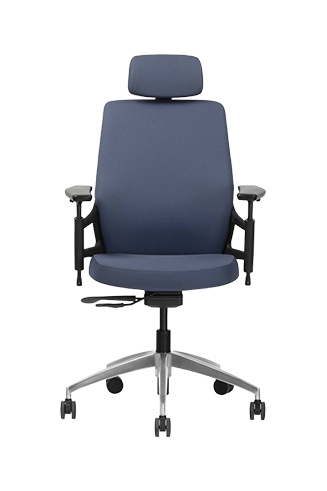
Properly adjusted armrests prevent shoulder and neck strain by supporting the arms' weight. The elbows should bend at 90-100 degrees with shoulders relaxed, not elevated or hunched. Height-adjustable armrests are essential, but width and pivot adjustments accommodate varying task requirements better.
In warm climates, padded armrests can become uncomfortable during extended use. Consider chairs with breathable or firm armrest surfaces that remain comfortable throughout the day. The Wipro Always chair not only features adjustable armrests but also sports a breathable seat enhanced with Aeroflo technology that doesn't just help dissipate heat during summer months but also helps distribute the weight evenly.
Selecting an ergonomic chair requires hands-on evaluation whenever possible. Online specifications provide guidance, but personal testing reveals comfort and fit nuances.
Sit on the prospective chair for at least 30 minutes, adjusting all mechanisms to match the measurements. The feet should rest flat on the floor with thighs parallel to the ground. The backrest should support the lumbar region without forcing excessive arch or allowing slouching.
During testing, perform typical work motions—typing, reaching for items, and swivelling to access different desk areas. Quality chairs maintain support through these movements. Pay attention to pressure points developing in the thighs, back, or arms. Even minor discomfort amplifies during eight-hour workdays.
Check mechanism smoothness and accessibility. The armrest and lumbar support should be adjustable while being seated on the chair. Stiff or inconvenient controls discourage proper positioning throughout the day.
Choosing the right ergonomic chair involves balancing personal measurements, essential adjustability features, and practical testing results. Prioritise adjustable lumbar systems, appropriate seat dimensions, and smooth adjustment mechanisms over aesthetic considerations.