


Search Here

Table of Contents
|
Each workspace quietly shapes an entire day for every professional. From morning emails to afternoon video calls, the body adapts to whatever support it receives. Yet for many professionals, that familiar afternoon ache between the shoulder blades or persistent lower back tension has become an unwelcome companion.
The truth about maintaining good posture isn't about forcing ourselves into rigid positions. Research shows that more than 70% of office workers experience back discomfort, often from misunderstanding what a healthy sitting position actually means.
The body experiences a natural progression throughout each workday, responding to both physical demands and mental focus. Understanding this progression allows anticipation and management of postural challenges before they become uncomfortable.
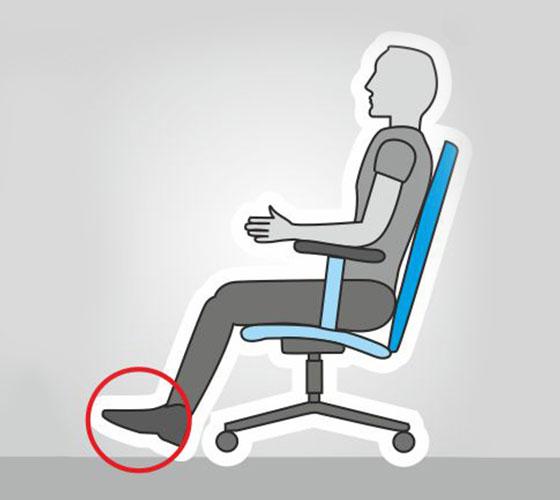
Extended sitting creates measurable changes in the spine and surrounding muscles. Studies reveal that pressure within lumbar discs increases by approximately 50% when seated compared to standing. This increased load, combined with reduced movement, contributes to the fatigue many experience by mid-afternoon.
Muscles work continuously to maintain upright posture, even during periods of relaxation. Without proper support, smaller stabilising muscles overcompensate, leading to tension patterns that manifest as neck stiffness or shoulder tightness. The cascade effect touches everything from breathing efficiency to mental clarity.
Research demonstrates that postural shifts occur predictably during work hours. After approximately 20 minutes of sitting, most individuals commonly experience an anterior-posterior shift (slumping) with increased pressure in the thigh region. This natural migration reflects your body seeking relief from sustained positions.
Morning hours typically see better postural maintenance, with gradual deterioration accelerating after lunch. The afternoon slump isn't just about energy levels. Spinal curves flatten progressively, reducing the natural shock absorption that protects vertebrae and discs. Quality ergonomic support becomes increasingly crucial as these changes accumulate.
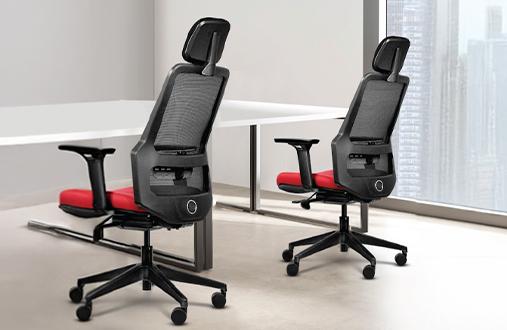
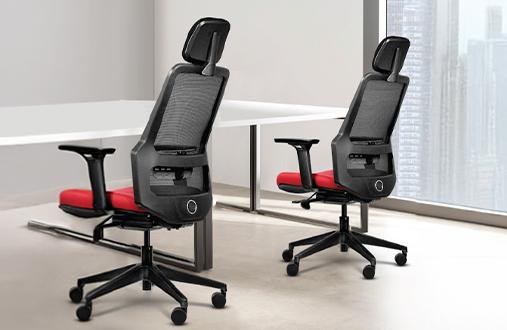
Supportive seating goes beyond cushioning to address how the body naturally wants to move and rest throughout the day. Understanding these principles helps evaluate whether a setup truly serves comfort needs. This is showcased in Wipro's Absolute office chair, as it helps relieve pressure and promote good posture, thanks to the 4D arm pads and wide lumbar support.
The foundation of a healthy sitting position rests on maintaining the spine's natural S-curve. The lower back's inward curve (lordosis) requires specific support to prevent flattening, which strains surrounding structures.
|
Body Region |
Optimal Position |
Common Mistakes |
Quick Fix |
|---|---|---|---|
|
Lower Back |
Gentle inward curve with lumbar support |
Slouching or over-arching |
Adjust lumbar height to belly button level |
|
Hips |
Slightly above knees (90-110° angle) |
Sitting too low or high |
Fine-tune seat height |
|
Shoulders |
Relaxed, not hunched |
Tension from poor armrest height |
Align armrests with relaxed elbow position |
|
Head |
Balanced over spine |
Forward head posture |
Position screen at eye level |
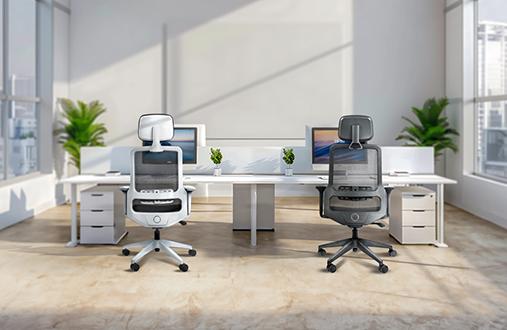
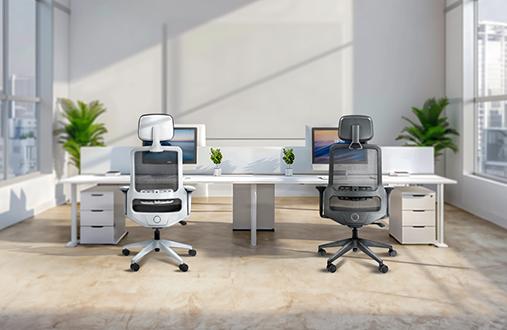
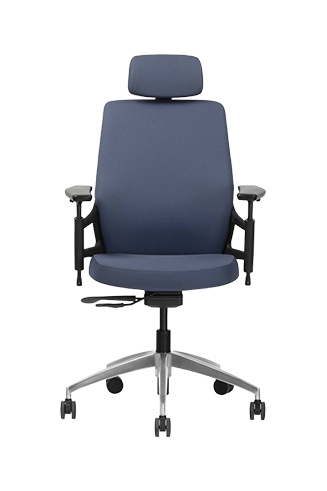
Wipro's Adapt office chair effortlessly adapts to an individual's body weight and provide just the right amount of support. Additioanlly, the aeroflow seat design aids with ventilation, making it a perfect companion for hot and humid weather.
A well-fitted chair feels like an extension of the body that supports without any constraints. The most telling sign appears in how a person feels after several hours. A proper fit means arriving at the day's end without the usual aches that signal poor support.
Quick fit assessment checklist:
Feet rest flat on the floor with knees at a comfortable angle
Lower back feels supported without the need to push forward
Armrests allow shoulders to relax completely.
Seat depth leaves 2-3 finger widths behind knees
The ability to recline without losing back support
The misconception that one ideal sitting position exists has created unnecessary strain for countless professionals. The body thrives on variety, and research increasingly supports dynamic sitting approaches over static perfection.
Prolonged static posture, however "correct", creates problems through sustained muscle activation and reduced circulation. Studies show that prolonged sitting leads to increased discomfort over time among healthy workers, regardless of initial positioning.
Initial discomfort can lead to blood flow restriction, which has many negative effects in the long run. Reduced circulation to spinal structures accelerates disc degeneration while limiting nutrient delivery to working muscles. Mental fatigue often follows physical stagnation, creating the familiar afternoon productivity dip many professionals experience.
Effective movement strategies integrate seamlessly into a person's workflow without major disruptions. Research participants using sit-stand options chose to stand for about 10-15 minutes every hour, leading to a boost in circulation and also taking off pressure from the spine.
|
Movement Insight: The Micro-Break Advantage Small position changes every 30-45 minutes prevent fatigue accumulation better than hourly stretching sessions. Simple acts like reaching for water, adjusting the chair's recline angle, or standing for phone calls maintain spinal mobility without interrupting focus. |
Practical movement integration:
Set gentle reminders for position shifts, not just standing breaks
Use phone calls as natural standing opportunities
Vary between upright focus positions and relaxed recline for different tasks
Practice "active sitting" by engaging core muscles periodically.
Incorporate desk-based stretches during natural work transitions
|
Setup Element |
Ideal Measurement |
Adjustment Tip |
|---|---|---|
|
Desk Height |
Elbow height when seated |
Use footrest if desk is too high |
|
Monitor Distance |
Increase font size rather than leaning forward |
|
|
Keyboard Position |
Close enough to avoid reaching |
Negative tilt can reduce wrist strain |
|
Document Holder |
Same height/distance as screen |
Prevents repetitive neck rotation |
Sustainable comfort comes from combining quality support with mindful practices. These strategies help maintain energy and focus while protecting musculoskeletal health.
Effective desk stretches target areas under constant load during sitting. Focus on movements that counteract predominant working positions rather than generic flexibility exercises.
Three-minute reset routine:
Thoracic extension: Interlace fingers behind head, gently arch upper back over chair
Seated spinal twist: Hold chair back, rotate trunk while keeping hips forward
Shoulder blade squeezes: Draw shoulder blades together, hold for 5 seconds.
Neck side bends: Ear toward shoulder, feel stretch on opposite side
Hip flexor stretch: Stand, step back into a gentle lunge beside your chair.
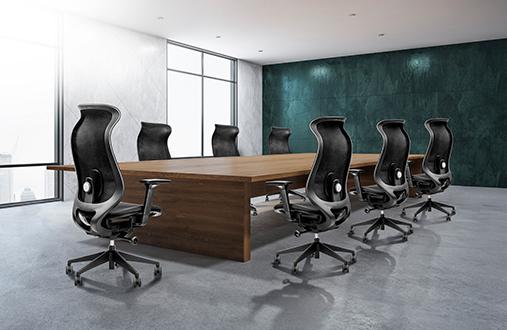
These movements restore circulation and mobility without requiring special equipment or leaving the workspace. Wipro's Spectra chair supports dynamic movement patterns, making position changes and stretching more natural throughout your day.
Long-term postural health depends more on consistent small adjustments than dramatic interventions. Start by identifying current patterns. Notice when discomfort typically begins and which positions are defaulted to under stress.
Remember that sustainable habit formation follows predictable stages, which implies that there are a series of recognisable and repeatable steps that need to take place, rather than all at once or randomly. Begin with single adjustments like hourly position checks. Once automatic, layer in complementary practices. Success is often found by linking postural resets to existing routines such as checking emails or transitioning between projects. The goal isn't perfection but rather conscious awareness that gradually becomes second nature.
Supporting the body through long work hours means embracing both quality ergonomic design and personal movement practices. The best sitting position for lower back pain combines proper spinal support with regular variation, creating sustainable comfort that enhances rather than hinders your productivity.
Postural health is a journey of small, consistent improvements. Whether adjusting the screen height or exploring ergonomic seating options, each positive change contributes to overall wellbeing. Discover how Wipro's comprehensive seating solutions can support unique comfort needs and workplace wellness goals.
The ideal sitting posture for lower back pain maintains the spine's natural curve with proper lumbar support. Keep feet flat and hips slightly above knees, and use chair adjustments to support without forcing positions.
Research suggests making slight changes (about 10-30 times per hour) prevents fatigue accumulation. Simple shifts like adjusting the recline angle or standing briefly maintain spinal mobility without disrupting workflow significantly as well.
Quality ergonomic seating with proper lumbar support can reduce strain considerably. However, combining supportive seating with movement and proper workspace setup provides optimal protection.
Lumbar support for height and depth adjustments proves most crucial for maintaining a healthy sitting position. Proper lower back support prevents slouching and reduces pressure on spinal structures throughout your day.
Common signs include neck strain from looking up/down at screens, shoulder tension from reaching for keyboards, or lower back discomfort from poor hip positioning. Systematic setup evaluation helps identify specific issues.
Neither all-day standing nor sitting is ideal. Research shows alternating between positions, with standing periods of 30-60 minutes interspersed throughout your day, provides optimal benefits.
Prioritise adjustable lumbar support, seat depth adjustment, breathable materials, and smooth recline mechanisms. Quality construction ensuring long-term support matters more than excessive features you won't use.